Explainer
What Is Electus Core? Setup, Bridges and the UI Theme Editor
Electus Core is the shared layer behind Electus scripts: framework detection, dirty money, dispatch, automatic database checks and the /uitheme editor.
By KRILLEUpdated 10 min read
Electus Core is the shared resource that other Electus scripts load before they start. It does four jobs:
- Bridges your server. It connects each script to your framework, inventory, target, menus, notifications, dispatch and upload provider, so scripts don't each ship their own adapters.
- Checks your database. Every time an Electus script starts, Core compares the script's tables with your database and creates anything that's missing.
- Themes every interface. The
/uithemeeditor restyles every Electus UI from one place, from colors to frosted glass panels. - Gives developers shared tools. These include server callbacks, interaction points and a 3D gizmo for moving and rotating objects in the world.
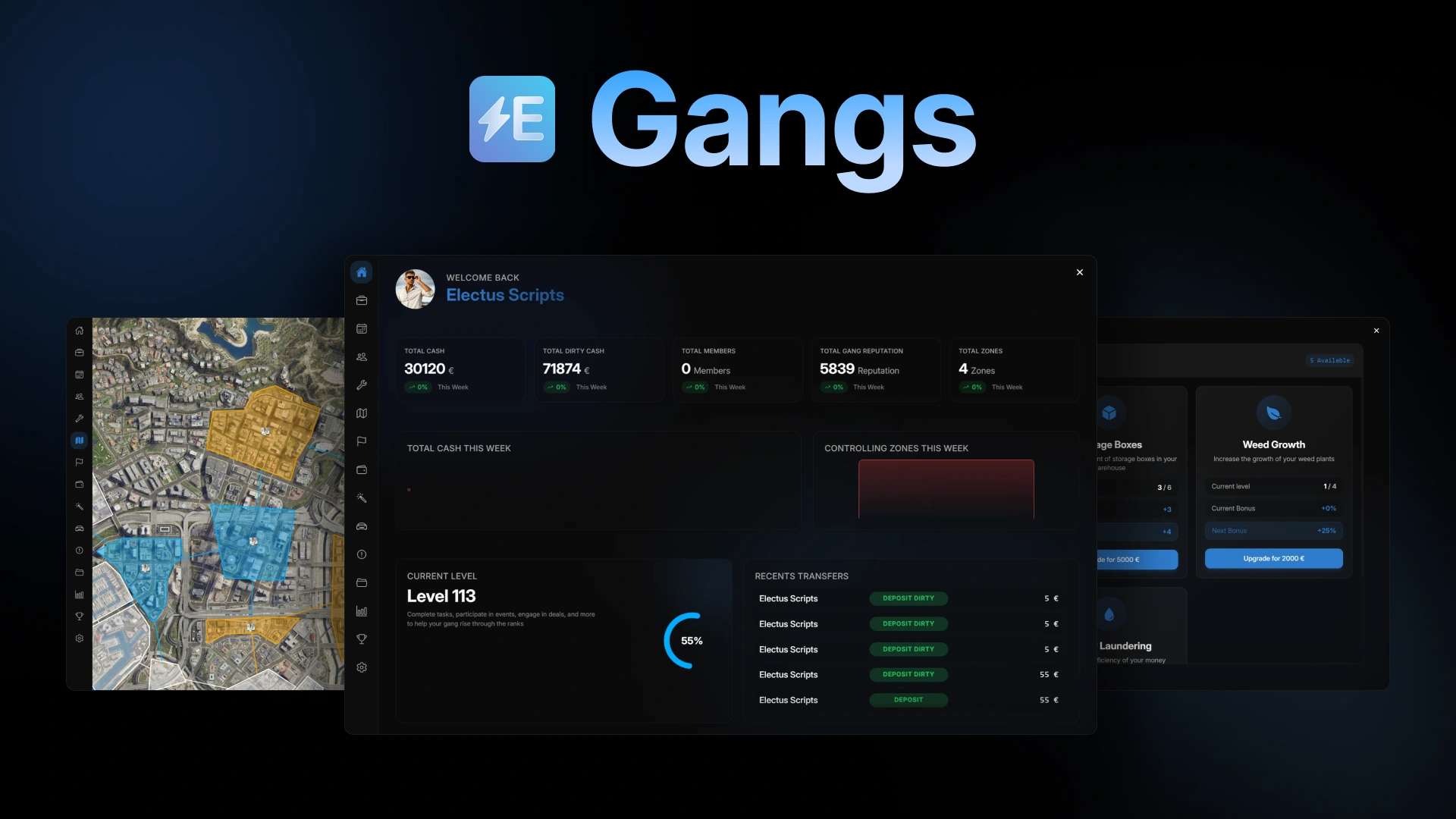
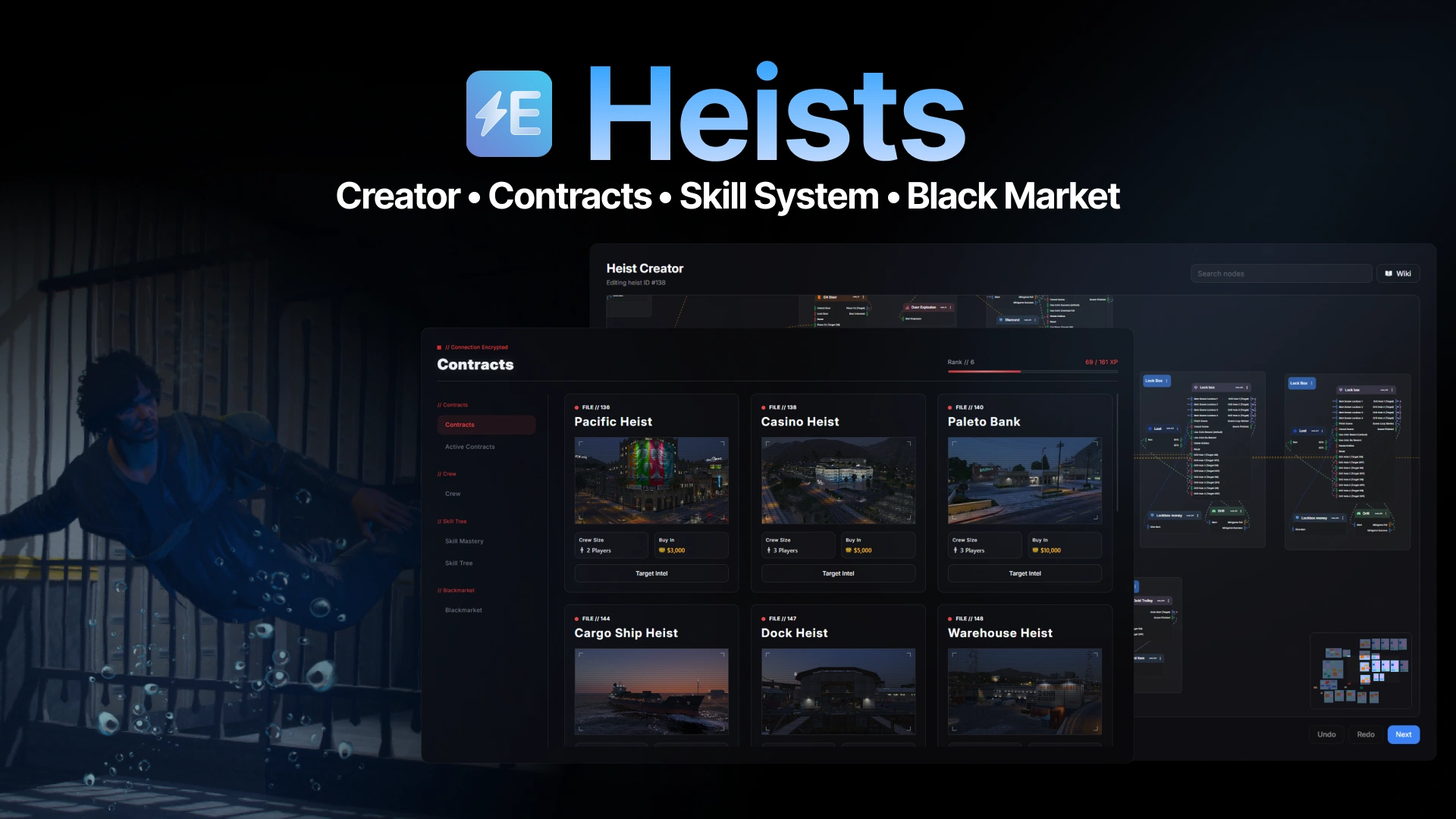
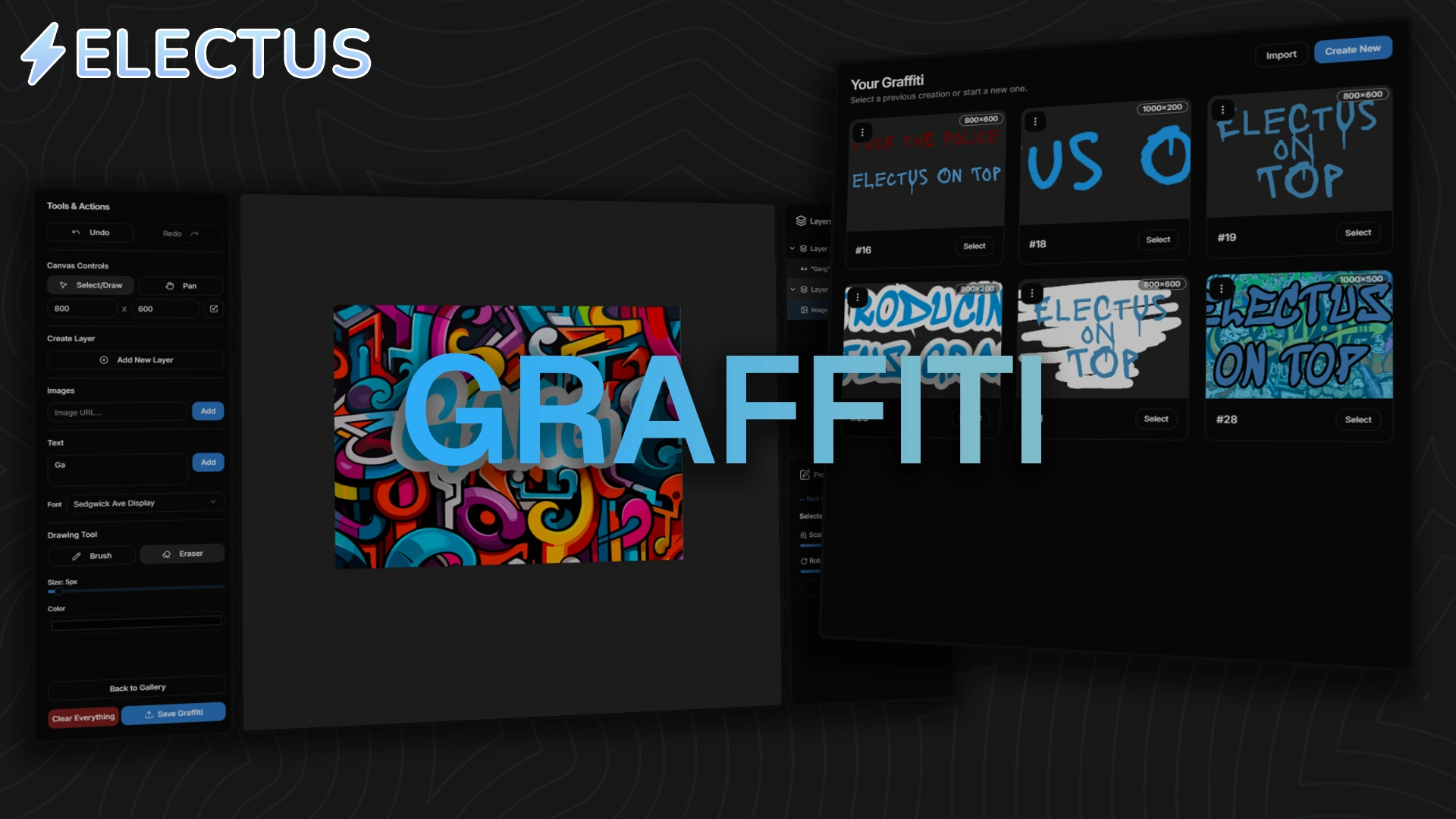
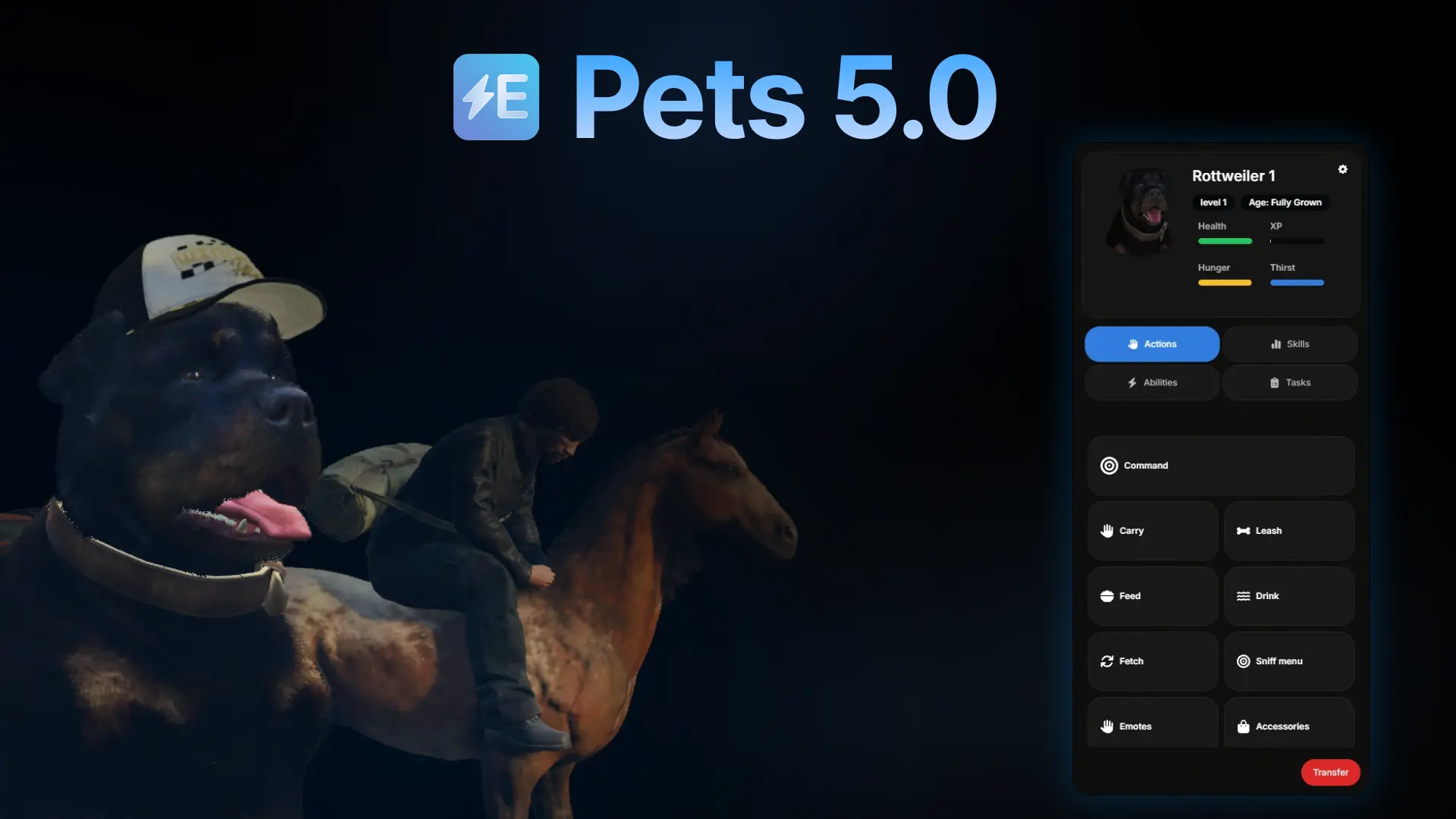
If you run Electus Gangs, Heists, Graffiti, Pets or Computers, you need Core. This guide covers installing it, the settings that control the bridge, the theme editor, the developer tools and the most common setup problems. It reflects Electus Core 1.1.
Which scripts need Electus Core
| Script | How it uses Core |
|---|---|
| Gangs, Heists, Graffiti, Pets, Computers | Required. They load Core's bridge, database checks and themes |
| Admin | Optional. Uses Core's themes when Core is running, and works without it |
| Trap Phone, Black Market, Hacking, Bodyguards, Motorhome, Animation Creator, Zipline, Vehicle Push | Not needed. These ship their own framework bridge |
Core is a dependency, not a gameplay script. On its own it adds the theme editor and nothing else to the game.
Installing Electus Core
- Put the folder in your resources and keep its name exactly
electus_core. Other scripts look Core up by that name. - Start it after your database and library resources, and before any Electus script:
ensure oxmysql
ensure ox_lib
ensure electus_core

ensure electus_gangs
ensure electus_heists
ensure electus_graffiti
ensure electus_pets
ensure electus_computers
Core has no SQL file and no dependencies of its own. Scripts that store data need oxmysql, and most Electus scripts use ox_lib, so start both first.
If a script starts before Core, the server console shows electus_core must be started before <script> and the script stops. Move ensure electus_core above it.
When you update an Electus script, update Core at the same time. Newer scripts can rely on newer Core features. Gangs 3.0, for example, uses the component looks added in Core 1.1.
Automatic database checks
Every time an Electus script starts, Core reads the SQL file that ships with that script and compares it with your database:
- Missing tables are created. On a fresh install, the tables appear the first time the script starts.
- Missing columns are added. When an update adds a column, your existing table is upgraded on the next start, with no migration to run by hand.
- Differences are reported, never changed. If a column has a different type, default or index than expected, Core lists it in the console but doesn't alter or drop anything. Your data stays untouched.
The results print with a [DB CHECKER] prefix and end with either Database schema check passed. or a failure line. If it fails, the lines above it name the table and column.
The bridge: settings in each script
This is the part that confuses most people. The bridge settings live in each script's own config, not in Core's. Core provides the code, and each script tells it what to use. That is why the top of electus_gangs/config/config.lua looks like this:
Config.Framework = "auto"
Config.Inventory = "auto"
Config.Target = "auto"
Config.NotificationSystem = "ox_lib"
Config.MenuSystem = "ox_lib_menu"
Config.HelpTextStyle = "ox_lib"
Config.CompanyMoneySystem = "auto"
Config.DispatchSystem = "auto"
Config.BlackMoneyItem = "auto"
Each script only lists the settings it uses. "auto" works for most servers. Set a value yourself when detection picks the wrong resource, or when you run two options side by side and want to choose one.
| Setting | What "auto" detects, in order |
Notes |
|---|---|---|
Config.Framework |
es_extended (ESX), qbx_core (Qbox), qb-core (QB-Core) | |
Config.Inventory |
ox_inventory, qb-inventory, core_inventory, qs-inventory | Set "esx" for the default ESX inventory and "tgiann-inventory" for tgiann. Neither is auto-detected |
Config.Target |
On when qtarget or qb-target is running | Off means markers and help text instead of a target eye |
Config.NotificationSystem |
ox_lib, otherwise your framework's notifications | "ox_lib", "framework" or "gta" |
Config.MenuSystem |
ox_lib, esx_context, esx_menu_default, qb-menu | |
Config.HelpTextStyle |
ox_lib, okokTextUI, jg-textui, cd_drawtextui, otherwise GTA help text | |
Config.DispatchSystem |
lb-tablet, ps-dispatch, cd_dispatch, origen_police, qs-dispatch | With none of these running, police alerts aren't sent |
Config.CompanyMoneySystem |
esx_addonaccount, qb-banking, Renewed-Banking, qb-management | Society and business accounts |
Config.UploadMethod |
lb-presigned, Fivemanage, Qbox CDN | Used for images, such as graffiti designs and heist board photos |
Config.BlackMoneyItem |
See Dirty money |
Custom frameworks
Core also accepts a custom framework. Its money functions are placeholders: checks always pass and nothing is charged or paid. Fill them in before you go live, or every purchase in every Electus script is free.
Dirty money
Every script that pays or charges dirty money through Core handles it the same way:
- ESX: the
black_moneyaccount. - QB-Core and Qbox: an item. With
"auto", Core uses the first ofmarkedbills,dirtycashandblack_moneythat exists on your server. The amount is the item'sworthvalue, so one stack of marked bills can hold any sum. When a player pays with a bill worth more than the price, Core gives them the change.
Because each script has its own Config.BlackMoneyItem, leave it on "auto" everywhere, or set the same item in every script. Scripts with their own bridge, like Black Market, have their own setting too, so match it as well. The criminal system guide shows where dirty money comes from and goes across the crime scripts.
Police dispatch
Scripts send police alerts through one Core function, and Core passes them to whichever dispatch resource you run: lb-tablet, ps-dispatch, cd_dispatch, origen_police or qs-dispatch. You don't configure anything per script beyond Config.DispatchSystem.
Without one of these resources, nothing is sent. If police never hear about heists, drug deals or graffiti, check that first.
Image uploads
Scripts that let players upload images, like Graffiti, use Core's upload bridge. It supports three providers:
| Provider | How to set it up |
|---|---|
| lb-presigned | Run the lb-presigned resource. Core detects it once it has started |
| Fivemanage | Add set FIVEMANAGE_MEDIA_API_KEY "your-key" to server.cfg |
| Qbox CDN | Add set QBOX_CDN_API_KEY "your-key" to server.cfg |
Use set, not setr. setr replicates the value to every client, which exposes your API key to players. Only image, video and audio files can be uploaded.
The UI theme editor
Core runs one theme system for every Electus interface: Admin, Computers, Gangs, Graffiti, Heists and Pets. Type /uitheme in game to open the editor.
What you can change
- Colors. 24 color tokens, from backgrounds and text to accent, borders and chart colors.
- Style. Corner radius, plus glass: panels that blur and tint the live game behind them, with adjustable blur and transparency.
- Component looks. A separate look for each kind of element: buttons, cards, inputs, dialogs, popovers, dropdowns, badges, checkboxes, switches, tabs and progress bars. There are 11 look families, including glass, pill, neon, brutal, outline, flat and an arcade-style gameify look. You can change all components at once or one at a time.
- Resources. Which theme each script uses.
Component looks are supported by Gangs, Pets, Graffiti, Admin and Computers. Other themed scripts follow the colors and corner radius.
Core ships with 14 presets. The default is Electus Glass Dark, which has a matching Glass Light. Electus Dark and Electus Light are solid versions, and there are ten more styled presets: Gameify, Neon Night, Amber Ops, Paper Brutal, Dusk Soft, Clean Light, Rose Pill, Graphite Flat, High Contrast and Mono Line.
Players and admins
Every player can open /uitheme and build their own theme. Personal themes are saved on the player's PC, so they don't affect anyone else.
Admins can also publish a theme for the whole server, set the server default and assign a different theme to each script. By default, admin means anyone with the command ACE permission. Change that with Config.Editor.adminAce.
When a script opens, Core picks its theme in this order:
- The player's own choice
- A theme an admin assigned to that script
- The server default an admin published
- The preset in that script's entry in Core's
Config.Resources - Core's
Config.DefaultPreset
Server-wide themes are stored by Core itself, so there is no database table to set up.
Theme settings
-- electus_core/config/config.lua
Config.DefaultPreset = "electus-glass-dark"

Config.Editor = {
    enabled = true,
    command = "uitheme",
    adminAce = "command", -- who can publish themes for the whole server
}
Config.Resources lists every themed script. Each entry can switch theming off for that script or give it its own preset, colors or corner radius.
Developer tools
Use the bridge in your own resource
Your own resources can load Core the same way Electus scripts do. They then get the same bridge functions for the framework your server runs. Load your config first, then Core:
-- fxmanifest.lua
shared_scripts {
    "config.lua",
    "@electus_core/load.lua",
    "shared/*.lua",
}

dependency "electus_core"
Your config uses the same settings as the table above (Config.Framework, Config.Inventory and so on). The functions are plain globals in your resource, not exports:
-- server
RegisterServerCallback("my_shop:buy", function(source, item)
    if not RemoveMoney(source, 500, "black_money") then
        return false
    end

    AddItem(source, item, 1)
    return true
end)

-- client
local bought = AwaitServerCallback("my_shop:buy", "lockpick")
The full set covers:
- Callbacks: server and client, with rate limits and admin-only options.
- Money and items: cash, bank, dirty money, company accounts, items and stashes.
- Players: identifiers, character names and jobs.
- World: interaction points, markers, zones, static peds, blips, menus, inputs, help text and notifications.
- Server services: police dispatch, uploads and event logging.
If you load Core this way in your own resource, the database checker also runs for your resource's SQL file.
Match the Electus theme
Custom UIs can follow the same theme as Electus scripts through Core's client exports:
| Export | What it returns or does |
|---|---|
GetTheme(resource?) |
The resolved theme, with colors and radius, for a resource |
GetComponentTheme(resource?) |
The resolved component looks |
SetTheme(resource, theme) |
Applies a theme to a resource for the local player |
ResetTheme(resource) |
Goes back to the resolved theme |
Core fires the local client event electus_core:themeChanged when a theme changes, so your UI can update without a restart.
The 3D gizmo
Core includes the gizmo that Gangs uses to place furniture: arrows and rings for moving and rotating any entity in the world. EditEntity waits until the player confirms or cancels, then returns where they put it:
-- client
local result = exports.electus_core:EditEntity(entity, {
    modes = { "translate", "rotate" },
    snap = { position = 0.25, rotation = 15 },
    maxDistance = 10.0,
})

if result then
    -- result.position, result.rotation, result.heading
end
Players switch modes with G (move), R (rotate) and E (free), toggle world and local axes with L, reset with Z, drop the object to the ground with F, and confirm with Enter. Snap steps apply while Shift is held. You can add your own toolbar buttons with actions, and check each new position with validate. Try it in game with /gizmotest.
StartGizmo does the same thing without waiting, with onConfirm and onCancel callbacks.
Troubleshooting
| Symptom | Fix |
|---|---|
electus_core must be started before <script> |
Move ensure electus_core above that script in server.cfg |
| A script can't find Core even though it's running | The folder must be named exactly electus_core |
[DB CHECKER] reports a failed check |
Read the lines above it. Core lists mismatched columns but never changes them, so fix them by hand or ask in Discord |
| Core prints "No company money system detected" or "No menu system detected" on start | These come from Core's own defaults. Your scripts use the settings in their own configs |
| Items or money don't work on ESX's default inventory or tgiann-inventory | Set Config.Inventory to "esx" or "tgiann-inventory" in that script's config |
| Police never get alerts | Run one of the supported dispatch resources, or set Config.DispatchSystem in the script's config |
| Uploads fail with "Config.UploadMethod is not set" | Add your Fivemanage or Qbox CDN key with set in server.cfg, or run lb-presigned |
| Behavior changes after installing another script | If you also run a standalone loaf_wrapper resource, Core uses it instead of its own built-in copy. Remove it, or keep it on the same version |
Still stuck? Ask in the Electus Discord with your framework, inventory and the console output from server start.
Scripts in this guide